Uptime Kuma Setup Guide

Documentation on setting up Uptime Kuma with Docker and Traefik
Overview
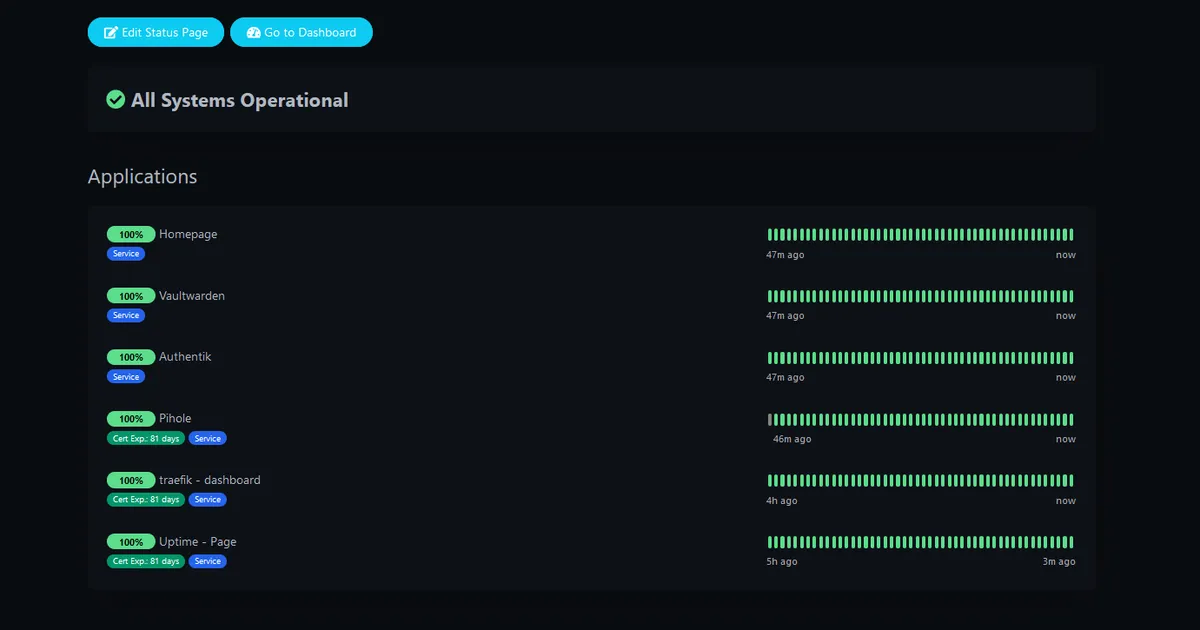
Uptime Kuma is a monitoring tool that can be used to monitor the status of multiple types of services. Install instructions can be found in the uptime kuma documentation.
Installing Docker
These steps are taken directly from Docker’s documentation. I have used these steps on Ubuntu 22.04.3 LTS.
- Remove old/conflicting packages
for pkg in docker.io docker-doc docker-compose docker-compose-v2 podman-docker containerd runc; do sudo apt-get remove $pkg; done- Add Docker’s repository to the machine
sudo apt-get updatesudo apt-get install ca-certificates curl gnupgsudo install -m 0755 -d /etc/apt/keyringscurl -fsSL https://download.docker.com/linux/ubuntu/gpg | sudo gpg --dearmor -o /etc/apt/keyrings/docker.gpgsudo chmod a+r /etc/apt/keyrings/docker.gpgecho \ "deb [arch="$(dpkg --print-architecture)" signed-by=/etc/apt/keyrings/docker.gpg] https://download.docker.com/linux/ubuntu \ "$(. /etc/os-release && echo "$VERSION_CODENAME")" stable" | \ sudo tee /etc/apt/sources.list.d/docker.list > /dev/nullsudo apt-get update- Install docker packages
sudo apt-get install docker-ce docker-ce-cli containerd.io docker-buildx-plugin docker-compose-plugin- Verify successful install
sudo docker run hello-worldUptime Kuma
I have modified the docker compose file located in the Uptime Kuma repository to work with Traefik as a reverse proxy. I have also bound the docker socket to the container so that it can monitor the status of other containers on the virtual machine.
The process I followed for installing Uptime Kuma is as follows:
- Create a directory for the Uptime Kuma data
mkdir uptimekuma- Create a docker-compose.yml file with the contents below
version: "3.8"
services: uptime-kuma: image: louislam/uptime-kuma:1 container_name: uptime-kuma volumes: - /var/run/docker.sock:/var/run/docker.sock:ro - ./uptimekuma/uptime-kuma-data:/app/data restart: always security_opt: - no-new-privileges:true networks: - proxy labels: - "traefik.enable=true" - "traefik.http.routers.uptime.entrypoints=http" - "traefik.http.routers.uptime.rule=Host(`your-hostname.yourdomain.tld here`)" - "traefik.http.middlewares.uptime-https-redirect.redirectscheme.scheme=https" - "traefik.http.routers.uptime.middlewares=uptime-https-redirect" - "traefik.http.routers.uptime-secure.entrypoints=https" - "traefik.http.routers.uptime-secure.rule=Host(`your-hostname.yourdomain.tld here`)" - "traefik.http.routers.uptime-secure.tls=true" - "traefik.http.routers.uptime-secure.service=uptime" - "traefik.http.services.uptime.loadbalancer.server.port=3001" - "traefik.docker.network=proxy"networks: proxy: external: true- Run the docker-compose.yml file with the following command
docker compose up -d- Access the Uptime Kuma web interface by going to https://SUB_DOMAIN.YOUR_DOMAIN.com
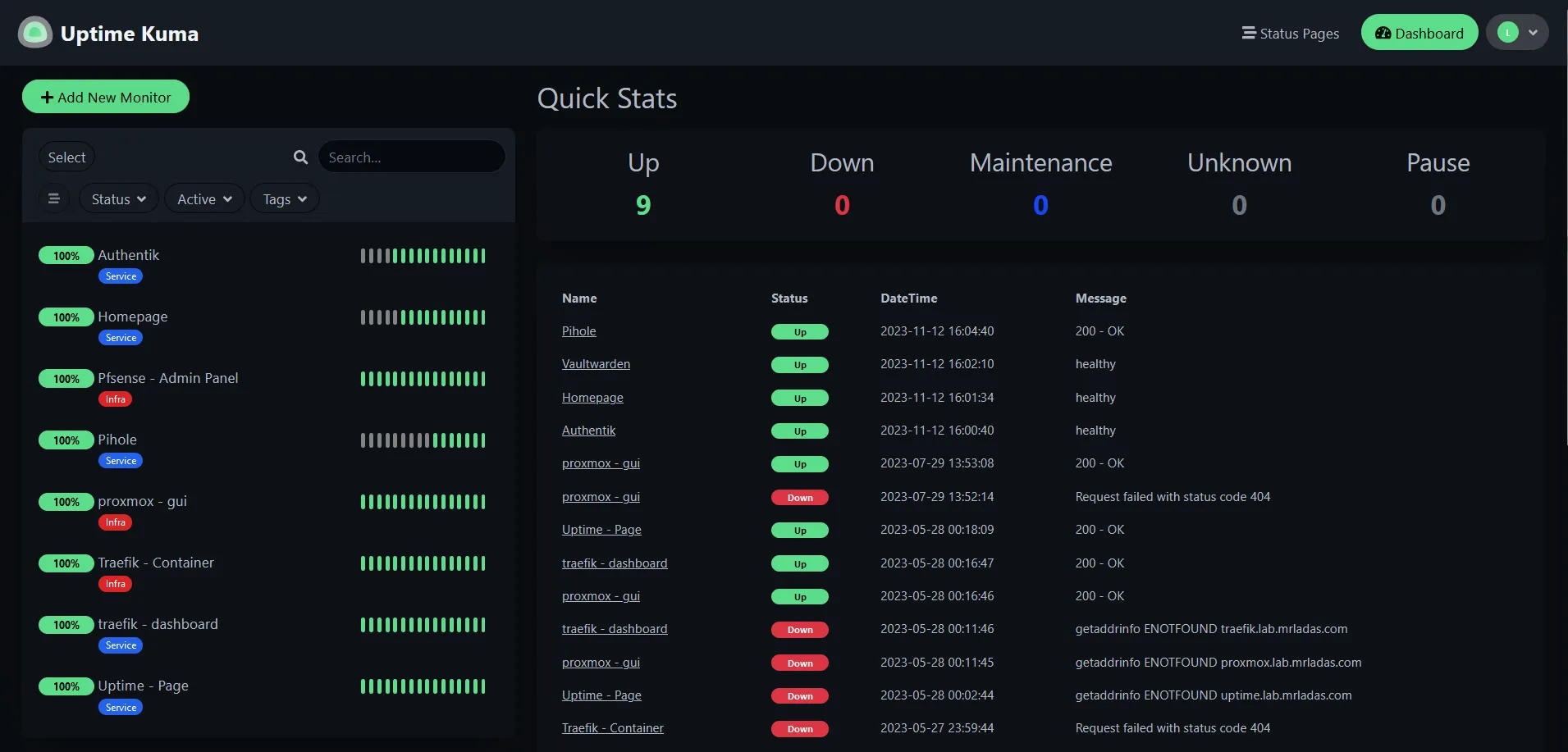
- After initial configuration the Uptime Kuma web interface looks similar to the following:
Extras
Discord Notifications
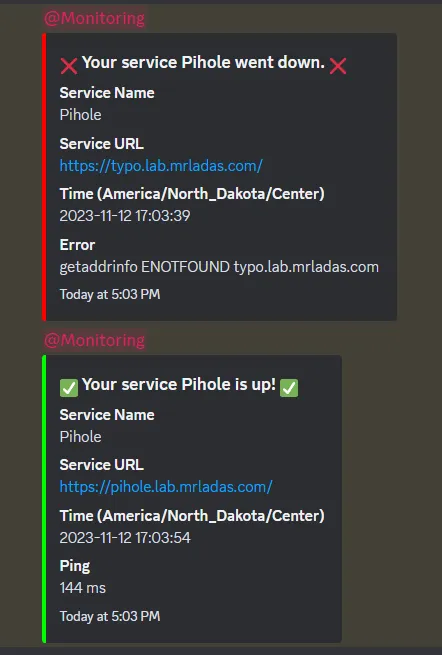
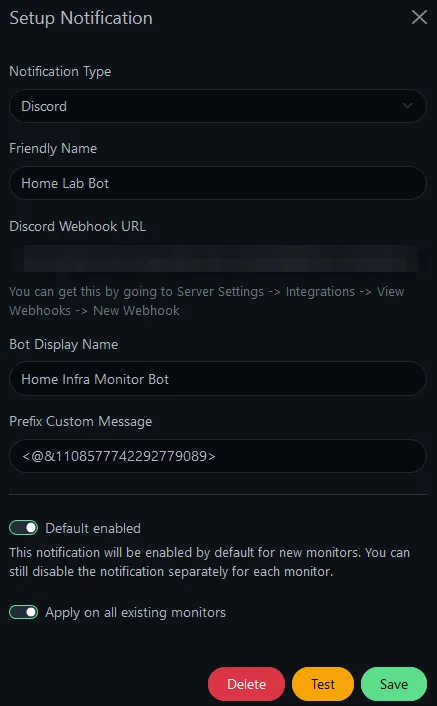
Some other functionality that I have found useful is the ability to send notifications via discord. This can be configured by going to the settings page and selecting the notifications tab. You will need to create a discord webhook and paste the URL into the discord webhook field. The message prefix shown below is an example of how to notify a specific role in a discord server.
Here is an example of what the notification looks like in discord. This has been used at various CTF competitions at TU to nofity the team when a challenge is down.